

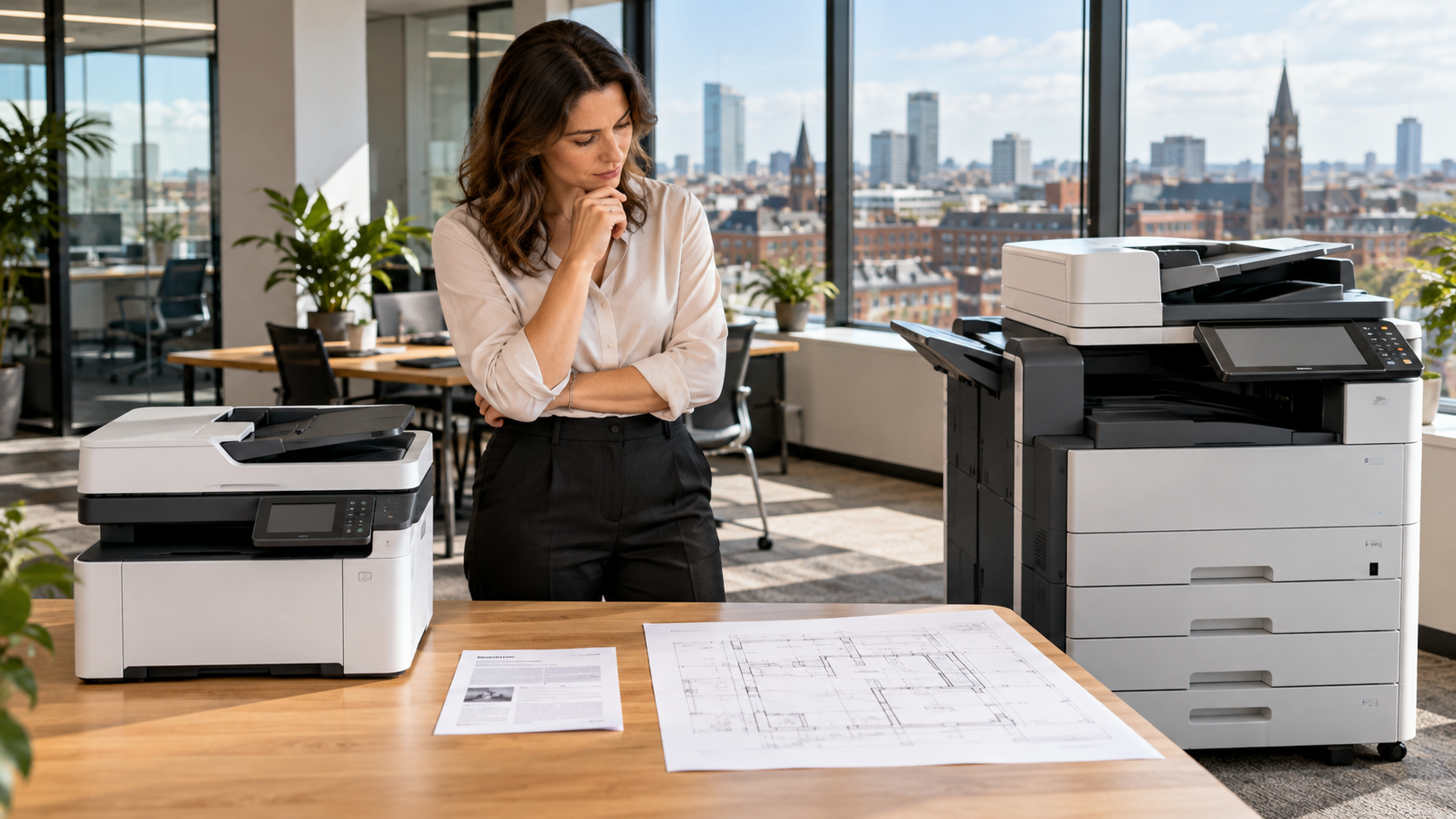
Choosing between an A3 and A4 office photocopier starts with the documents your team actually uses. This practical guide helps North West businesses compare size, scanning, costs and support.
Why paper size matters
A4 is 210 × 297 mm, while A3 is 297 × 420 mm, twice the area. The right choice depends on actual printing and scanning needs, not simply the size of the machine.
When A4 is enough
A4 multifunction printers suit letters, invoices, contracts, forms and everyday administrative work. They often fit smaller offices, but you should still compare print volume, speed, scanning, security and reliability.
When A3 is useful
Architects, engineers, construction teams, schools and designers may need larger plans, spreadsheets, proofs and diagrams. Check whether the device supports A3 printing, scanning and copying separately.
Consider your real workload
Count the people sharing the device, your peak monthly volumes, colour requirements and how often A3 is essential. Avoid paying for features you rarely use.
Look beyond the headline price
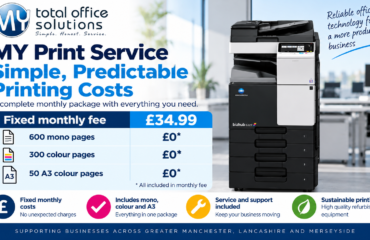
Compare equipment payments, cost per page, consumables, servicing, minimum volumes, contract duration and potential price increases. Our copier agreement checklist explains the questions to ask. For a worked example of A4, A3 and colour printing costs, use our office printing cost calculator guide.
Support and downtime
Confirm what happens when equipment fails, who handles maintenance and how consumables are supplied. See our printer downtime guide for practical advice.
Your decision checklist
Before requesting a quotation, collect a sample of the documents your team prints and scans. Review one normal month and one busy month so you do not choose a machine based on an unusually quiet period.
- Paper size: What proportion of work genuinely needs A3 rather than A4?
- Scanning: Must you scan A3 originals through the feeder or scanner glass?
- Usage: How many staff share the device and how many pages do they print?
- Colour: Which documents require colour, and which can be monochrome?
- Space: Is there room for the device, paper storage and safe access? Use our office photocopier placement checklist before installation.
- Costs: What do equipment, prints, servicing and consumables cost over the whole arrangement?
- Support: Who handles faults, replacement supplies and technical questions?
For a multi-site organisation in Greater Manchester, Lancashire or Merseyside, compare each location’s requirements before standardising on one model. A compact A4 machine may suit a small branch while a central office needs A3 scanning and printing.
Frequently asked questions
Can an A3 machine print A4? Many can, but confirm the model specification. Is A3 always better? No: the right device is the one that meets your real document requirements at an appropriate overall cost.
Get advice across the North West
Businesses across Greater Manchester, Lancashire and Merseyside can explore MY Print Service Copier and MY Print Service Business. Contact us to discuss your print and scan requirements.
[…] If you have several devices, combine their figures but keep the individual device totals too. This reveals whether one multifunction photocopier is overloaded while another is barely used. For a closer look at equipment suitability, read our A3 versus A4 photocopier guide. […]