

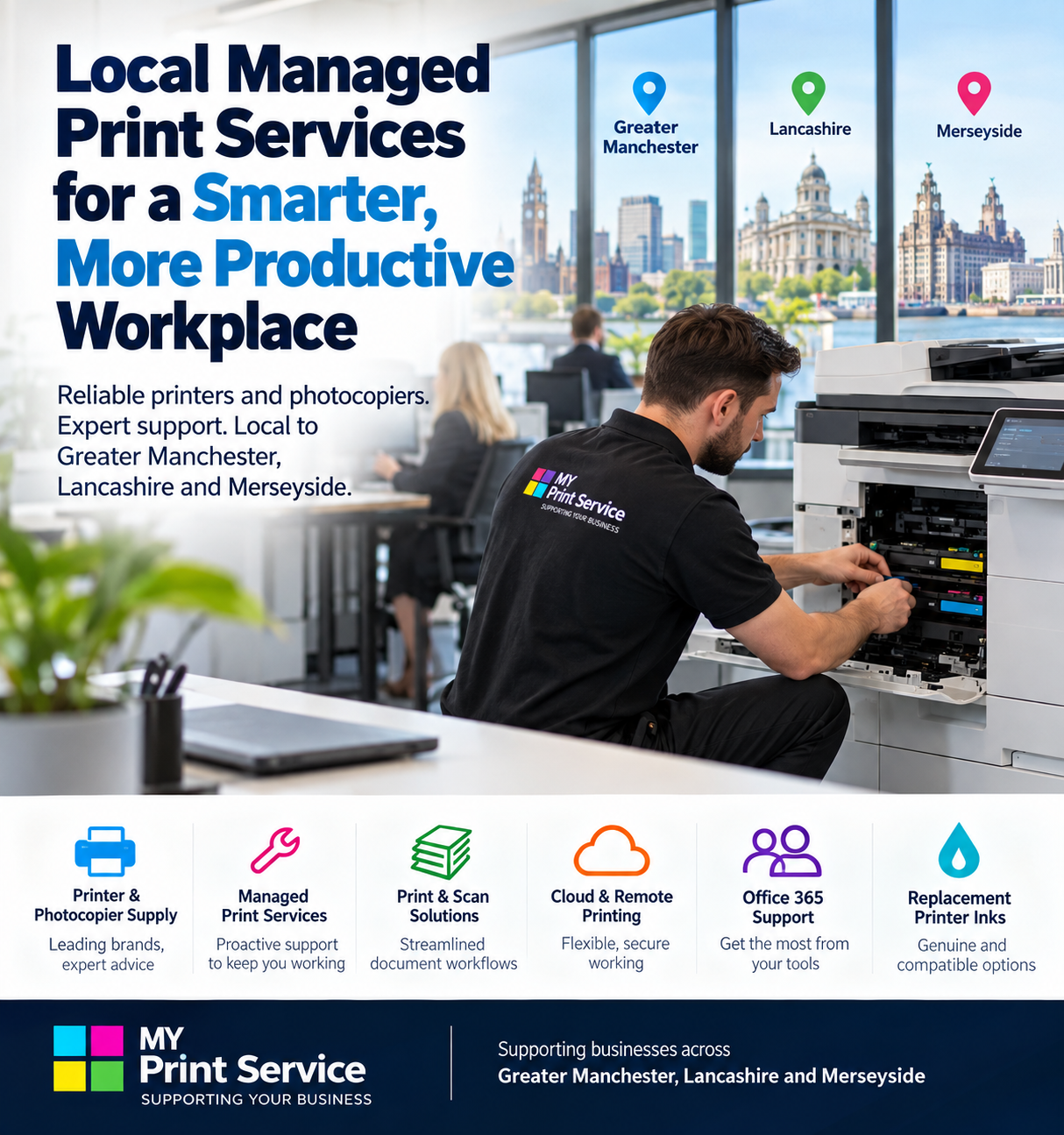
Printer downtime rarely affects just the printer. When a device stops working, staff wait, jobs get redirected, somebody searches for toner, and productivity starts disappearing.
For businesses across Greater Manchester, Lancashire and Merseyside, a more reliable print environment starts with understanding where interruptions come from and managing the whole print fleet proactively. That is where a well-structured managed print service can make a practical difference.
Why printer downtime costs more than you think
A printer fault may look like a small operational problem, but repeated interruptions consume employee time and can delay invoices, customer documents, warehouse paperwork and other everyday processes. The true cost is therefore not simply the repair bill: it includes the time spent diagnosing faults, sourcing consumables and moving work to other devices.
1. Track recurring printer problems
Start by identifying which printers and photocopiers generate the most support calls. Recurring paper jams, print-quality issues, connectivity problems and consumable shortages can reveal devices that are unsuitable for their workload or approaching the point where replacement is more economical than repeated intervention.
2. Manage toner and ink proactively
Running out of toner during an important print job is preventable. A managed approach to consumables helps businesses maintain appropriate stock levels and reduces the need for emergency purchasing. MY Total Office Solutions can also help businesses review their replacement printer ink options. For a practical stock-control process, see our office copier toner stock management guide.
3. Match equipment to the workload
An office printer designed for occasional use will struggle in a busy department producing thousands of pages. Equally, an oversized copier can create unnecessary cost. Reviewing print volumes, colour requirements, scanning needs and the number of users helps ensure each device is appropriate for its location. Our office printing cost calculator guide can help you estimate the monthly cost before choosing equipment.
4. Move from reactive repairs to preventative support
Waiting until equipment fails can create avoidable disruption. Regular maintenance and proactive monitoring can identify developing issues earlier and help keep important workplace devices available when employees need them.
5. Review the whole print fleet
Businesses often accumulate printers over time without reviewing whether every device is still necessary. A fleet review can identify underused machines, duplicated functionality and departments relying on unsuitable equipment. Consolidating devices where appropriate can simplify support and consumable management.
6. Make scanning part of the strategy
Modern multifunction devices can do considerably more than print. Effective scanning and digital document workflows can reduce unnecessary printing while helping information move around the organisation more efficiently.
7. Plan for multiple sites and hybrid working
Businesses operating across Greater Manchester, Lancashire or Merseyside may need consistent printing arrangements across several offices. A coordinated managed print strategy can help standardise equipment and support rather than leaving each location to solve printing problems independently.
For a complementary review of confidential documents and multifunction device settings, see our office printer security checklist.
How can offices improve printer uptime?
To improve printer uptime in an office, start by recording recurring faults, keeping suitable consumables available and matching each device to its actual workload. Agree who reports problems and which checks staff can perform safely. Review the fault log regularly so that repeated interruptions lead to a maintenance or equipment decision rather than another temporary fix.
How MY Print Service can help
MY Print Service Business is designed to help organisations take a more structured approach to workplace printing. For businesses requiring larger multifunction equipment, our MY Print Service Copier service provides another route to building a print environment around actual operational requirements.
The objective is straightforward: fewer avoidable interruptions, appropriate equipment, easier consumable management and dependable support.
If a device has already failed, use our office printer fault reporting checklist to capture error codes, affected users and safe checks before contacting support.
Managed print support across the North West
MY Total Office Solutions supports businesses across Greater Manchester, Lancashire and Merseyside. Whether you are reviewing an existing printer fleet, experiencing recurring downtime or considering a new managed print arrangement, we can help assess what your workplace actually needs. Start with our ten-point guide to comparing managed print services before selecting a provider.
Want to discuss your current print setup? Contact MY Total Office Solutions to talk about your printers, photocopiers and managed print requirements.

[…] reliability is one of your concerns, our guide to reducing printer downtime also explains practical ways to make workplace printing more […]
[…] and what the escalation process looks like. Consider the cost of staff time lost to downtime. Our printer downtime guide explains practical prevention […]
[…] promptly and which consumables are covered. For a separate guide to keeping work moving, read how to reduce printer downtime; for stock planning, see our office copier toner stock management […]